 TenuVaultDesktop
TenuVault Desktop
Protect and maintain customer Intune tenants
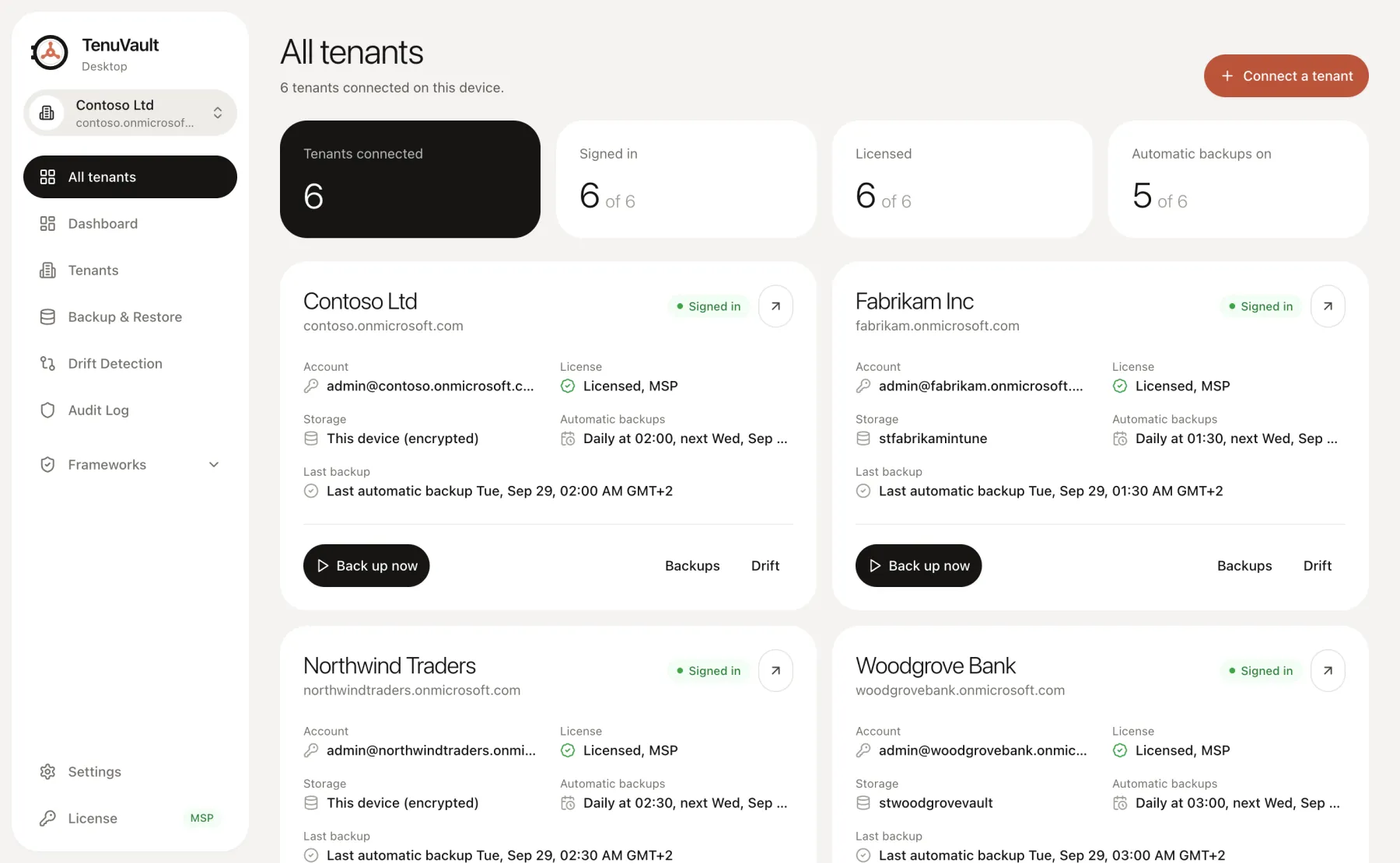
Manage connected customer tenants from one desktop app. TenuVault MSP combines per-tenant backups and storage with reviewed restore and baseline workflows, using your delegated admin sign-in.
A clear tenant-based offer
The new MSP offer includes five tenant slots from €99 per month or €990 per year, excluding VAT. There is no per-device charge. Additional monthly slots cost €15 each for tenants 6–25 and €10 each from tenant 26.
The price calculator shows the graduated total before checkout. Paid plans include a 30-day subscription trial. Existing MSP subscriptions keep their current billing model; verify your subscription quantity and terms in the customer portal.
Storage and schedules per customer
Choose encrypted local storage or a customer-controlled Azure storage account for each tenant. Configure its backup schedule and retention, and save its recovery key in a separate secure location.
Desktop scheduling needs an awake computer and a usable sign-in session. Review missed or failed runs and Conditional Access requirements. An all-tenants overview helps you find issues, but does not remove the operating requirements of each tenant.
Review cross-tenant recovery and baseline changes
MSP supports multi-tenant actions, including selected backups and supported baseline rollout. Cross-tenant restore copies remain unassigned and require reviewed target dependencies.
Do not assume that group IDs, filters, application artifacts or tenant licensing match across customers. Pilot configuration changes, inspect each result and retain a per-customer recovery plan.
Access and accountability
Use a customer-owned app registration and the appropriate Intune roles. Delegated actions run as the signed-in administrator. Paid licensing allows up to five installations per licensed tenant, and optional organization license sharing follows the documented model.
Review the Trust Center with each customer before deployment. Configuration assessments and reports describe supported settings and mappings; they do not replace a compliance audit or establish endpoint enforcement.
Read the technical guides
Product scope reviewed 3 October 2026. Check your installed release and the current plan table before using a workflow.