 TenuVaultDesktop
TenuVault Desktop
Restore Intune policies with a reviewed plan
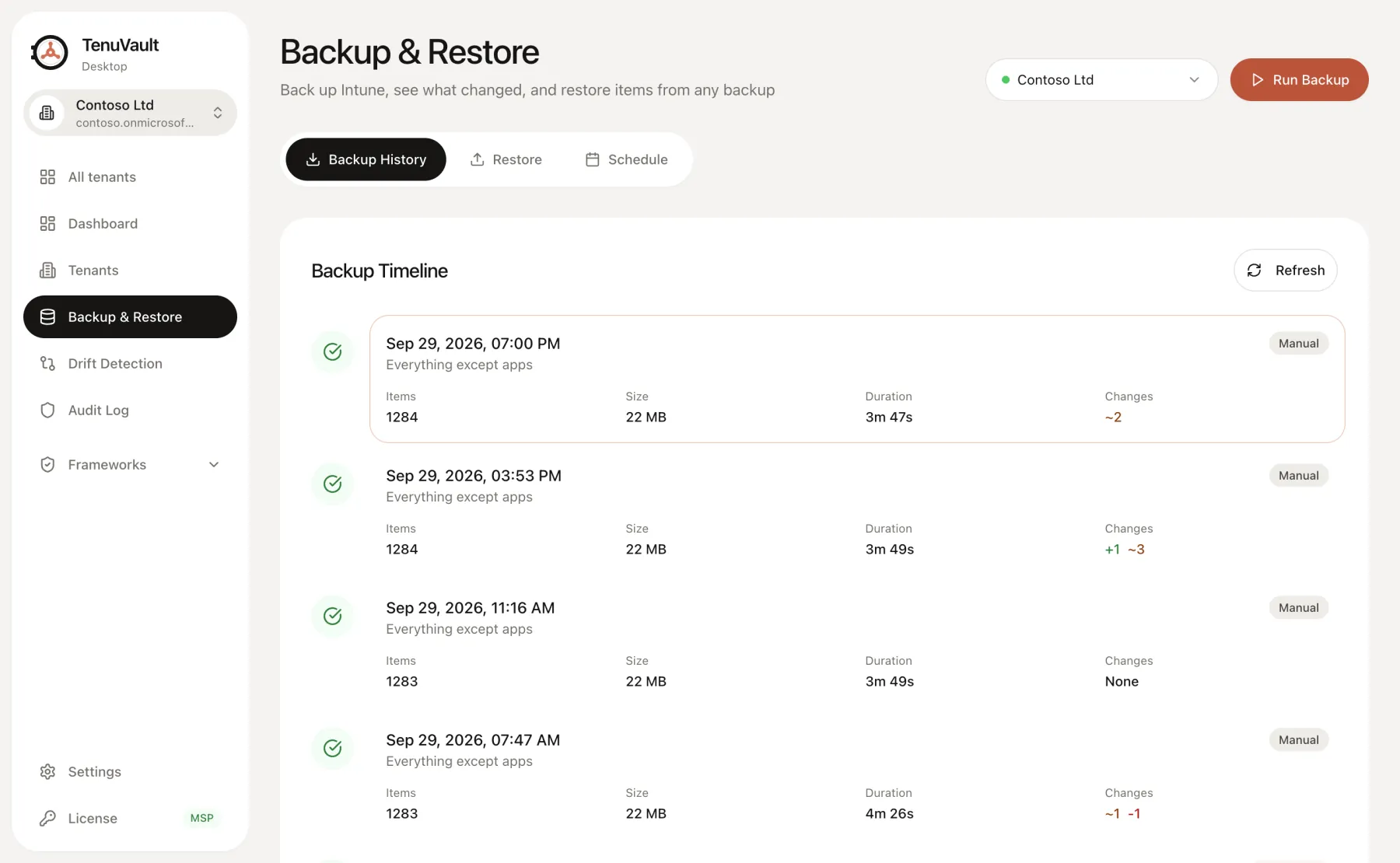
Recover a changed or deleted policy from a configuration backup. Choose the items, review their supported restore mode and dependencies, and confirm the operation before TenuVault writes to Intune.
Create a copy for controlled review
Community restores one supported item at a time as a separate copy. Copies remain unassigned, so you can inspect the recovered settings before deciding whether to target devices.
A copy does not replace the existing policy. Compare names, settings and dependencies, then remove the test copy or assign it through your usual change process.
Replace supported configuration in place
Pro and MSP can restore several items and replace supported existing configuration. Items that still exist can be updated, deleted items can be recreated where the type supports it, and matching items can be skipped.
Assignment restoration is an explicit option with type-specific limits. Recreated items can receive new IDs. Review the restore plan, target groups and filters before confirming a write.
Recover into another tenant
MSP supports copying selected configuration to another connected tenant. Cross-tenant copies arrive unassigned. Target groups, filters, scope tags and other tenant-specific dependencies need reviewed mappings.
Configuration copying is one part of a tenant migration. It does not migrate enrolled devices or guarantee that application binaries, certificates and other external dependencies are present in the destination.
Prepare for partial operations and external artifacts
Inspect recovery readiness before an incident. The report distinguishes configuration that can be recreated from manual steps and artifacts that require separate recovery.
If a restore only partly succeeds, review the operation results and created IDs before retrying. Resolve dependencies and ambiguous writes rather than treating an incomplete operation as a successful recovery.
Read the technical guides
Product scope reviewed 3 October 2026. Check your installed release and the current plan table before using a workflow.